Technology grows fast, and new tools come out every day. Many people hear the words “apps” and “software” and think they mean the same thing. They may even use both words in the same way. But apps and software do not mean the same thing. Both help people do tasks, but they are not equal in size, purpose, or complexity.
In this article, you will learn the clear difference between apps and software. You will also learn how developers build them, how people use them, and when you should choose one over the other.
Table of Contents
What Is Software?
Software refers to any set of instructions that tells a computer what to do. It covers everything from small programs to very large systems that run machines, computers, phones, and even websites.
Software can do many jobs. It can support hardware, run a computer, manage files, or power advanced tools for businesses. Many systems inside a machine also come from software.
Types of Software
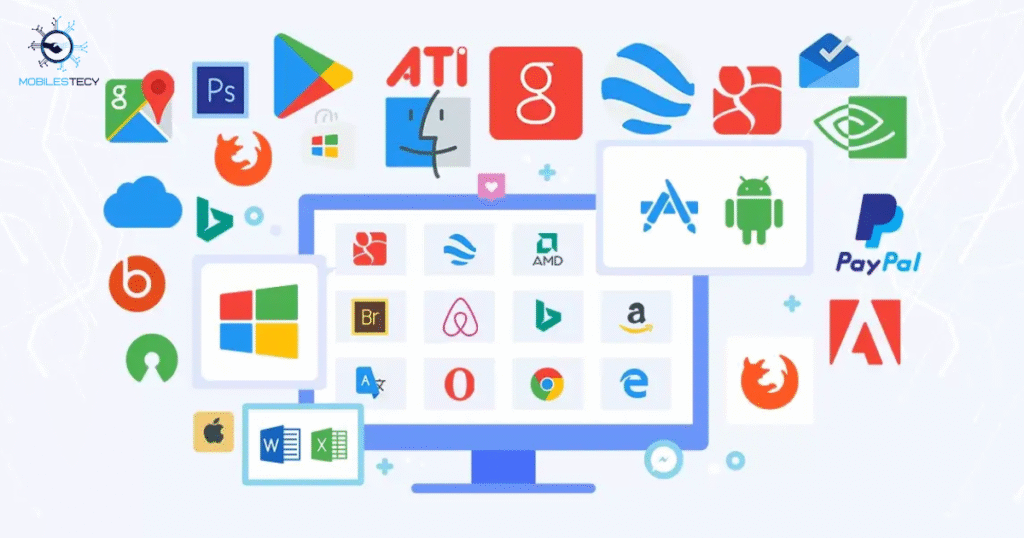
Software comes in three main forms. Each type plays a different role in a computer system.
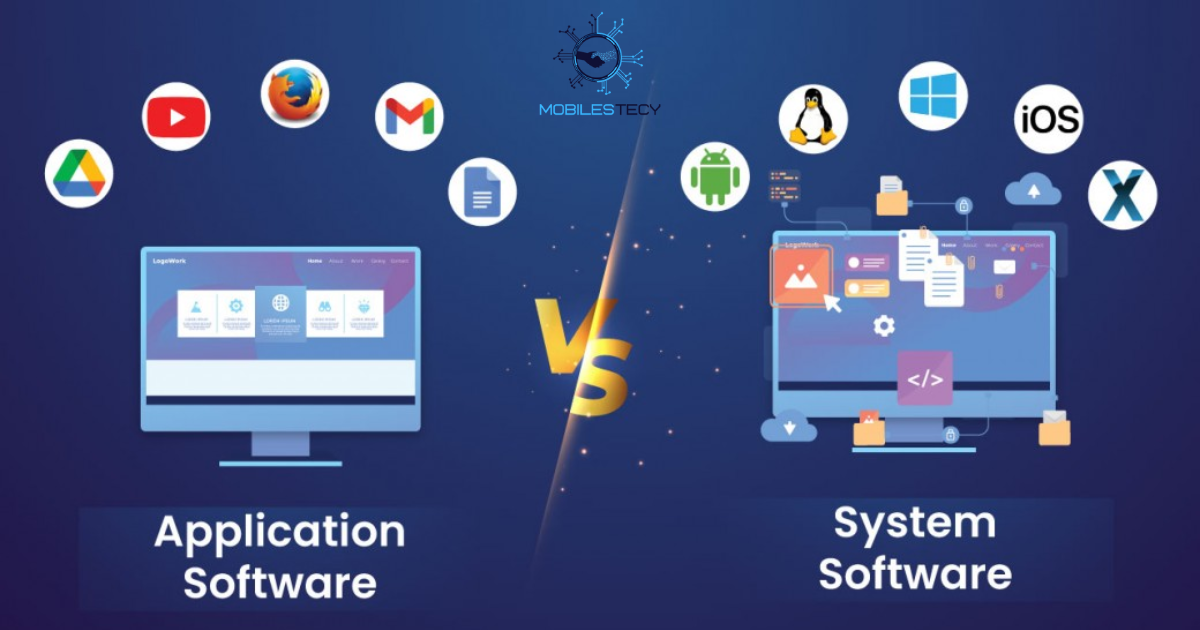
System Software
System software controls the basic functions of a device. It manages memory, hardware, and system tasks. Without system software, a device cannot run.
Examples of system software include:
- Operating systems like Windows, macOS, Linux, Android, and iOS
- Drivers
- Firmware
- System utilities
System software runs in the background and supports all other programs.
Application Software
Application software helps users complete tasks. It includes programs for writing, designing, watching videos, coding, and much more.
Examples include:
- Microsoft Word
- Adobe Photoshop
- Google Chrome
- VLC Media Player
- Video editing tools
This type of software focuses on user needs and helps with specific tasks.
Programming Software
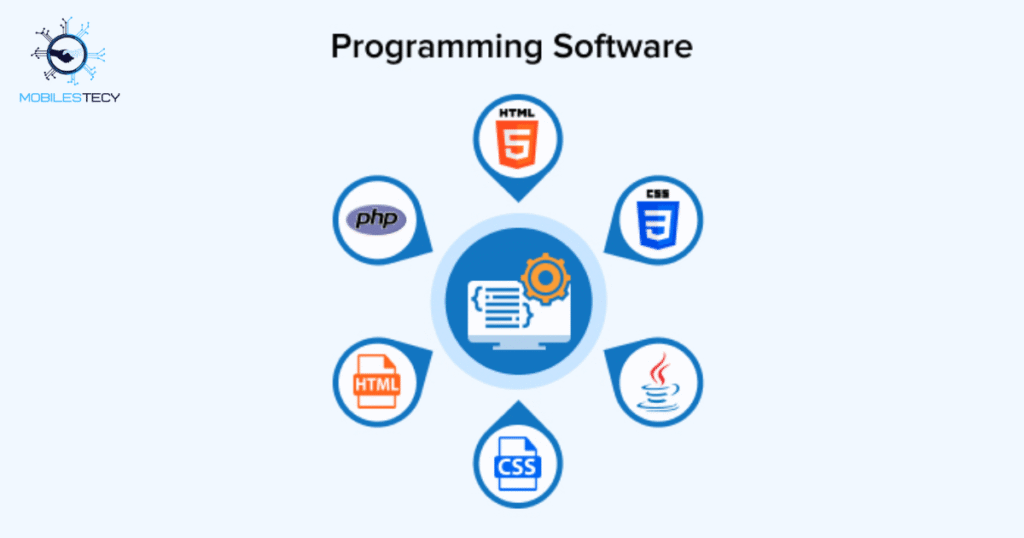
Programming software helps developers create apps, websites, and systems. These tools support coding, testing, debugging, and development.
Examples include:
- Visual Studio Code
- PyCharm
- Android Studio
- Xcode
This software helps programmers build all other software.
What Are Apps?
Apps, or applications, are a type of software. But they are smaller, more focused, and easier to use. Developers build apps to solve specific problems or perform simple tasks.
You can run apps on phones, tablets, computers, smart TVs, and even watches.
Examples of Apps
- TikTok
- Spotify
- Uber
- Gmail
Apps focus on user experience. They come with simple menus, quick actions, and easy navigation.
Key Differences Between Apps and Software
Apps and software share some similarities, but they also have many differences. This section breaks down the main differences in a clear and simple way.
Size and Complexity
Software can grow very large and complex. Some programs run entire companies or manage complete systems. System software also handles critical tasks behind the scenes.
Apps stay small and simple. Developers design them for quick actions like messaging, videos, shopping, or gaming.
Software Example
A full accounting system that tracks payments, salaries, taxes, inventory, and records.
App Example:
A small calculator app on a phone.
Purpose and Function
Software often works at a deep system level. It may control your device or manage data for large platforms.
Apps focus on users and their everyday needs. They solve one or two tasks quickly.
Software handles:
- Data processing
- System control
- Hardware communication
- Device operations
Apps handle:
- Social sharing
- Entertainment
- Messaging
- Shopping
- Navigation
Apps tend to support daily tasks. Software can support everything from simple tasks to very advanced systems.
Installation and Platform
Software often runs on computers and may need detailed installation steps. Some software comes with setup files, system requirements, or configuration steps.
Apps come from app stores like Google Play or Apple’s App Store. You tap once and the app installs.
Software examples:
- A large graphic design program
- A full computer operating system
App examples:
- A music streaming app
- A food delivery app
Apps install fast. Software may take longer and need more memory or disk space.
User Interface
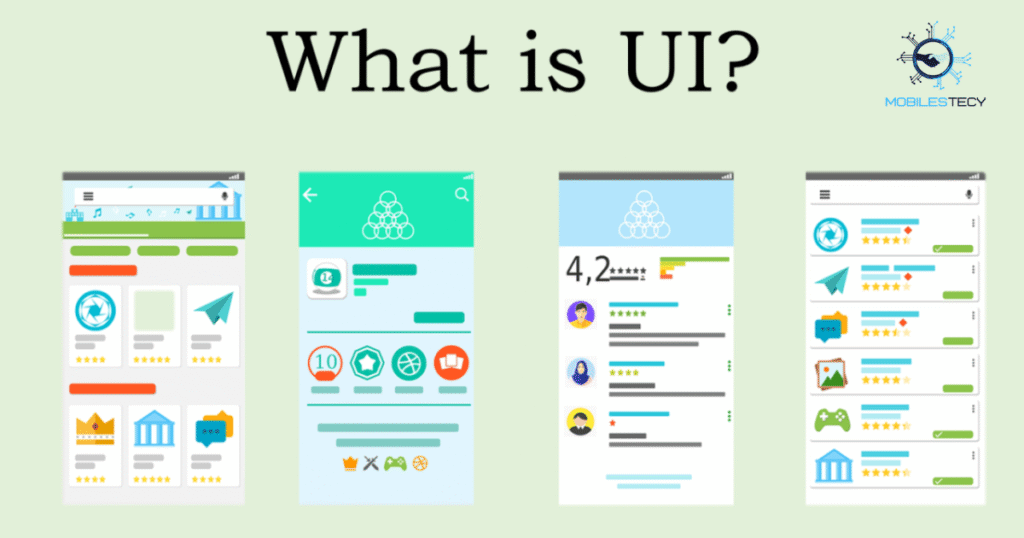
Apps offer cleaner, simpler, and friendlier interfaces. They focus on quick access and touch-friendly controls.
Software may offer more features but can feel more complex. Some programs come with detailed menus and advanced tools.
Example:
A mobile photo editing app feels simple. A desktop tool like Photoshop offers more features and a more complex layout.
Performance and Resource Use
Software may use more CPU, RAM, and storage because it handles heavy tasks. Developers design these programs for power and depth.
Apps stay light. They use fewer system resources and focus on speed and smooth performance. This makes apps perfect for phones and tablets.
Updates and Maintenance
Apps get frequent updates because developers release new versions for mobile stores. These updates often fix bugs, add features, and improve speed.
Software updates come less often. Some programs only update a few times a year. Large systems may need manual updates or special patches.
Developers can update apps faster because apps have fewer features and smaller codebases.
Usage Environment
Apps often work online and need the internet. Many apps rely on servers for login, data storage, or content delivery.
Software may work offline. Some programs store data locally and run without the internet.
Example:
A video editor on a desktop can run without the internet.
A mobile video-sharing app needs the internet to upload or share content.
User Experience
Apps offer a very smooth user experience. They load fast, open quickly, and run without heavy actions.
Software may slow down during heavy tasks. Programs like 3D modeling tools or video editors use more power and need strong hardware.
Examples That Show the Difference Clearly
Below are some real-world examples that highlight the difference between apps and software:
Smartphone Example
- Android operating system: Software
- WhatsApp: App
- Chrome browser: App
- System security: Software
Computer Example
- Windows 11: Software
- Microsoft Excel: Software
- Zoom: App
- Steam: App
Business Example
- CRM systems: Software
- Slack: App
- Zoom: App
- MS Office suite: Software
Apps focus on simple user tasks. Software can handle complex business operations and system-level functions.
Why Do People Confuse Apps and Software?
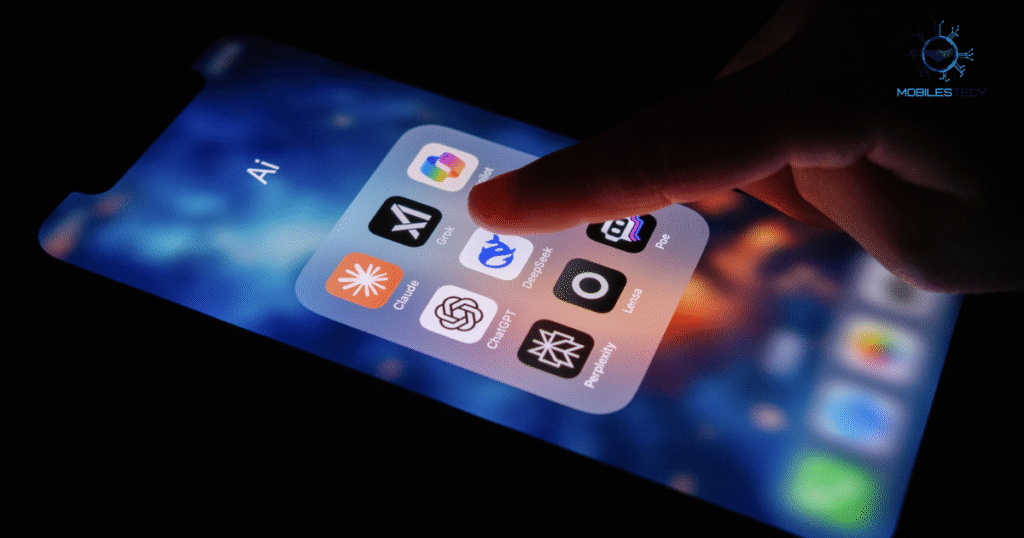
People mix both words because apps also count as software; they just form a smaller part of the software category. Developers often use the word “application software,” which makes it sound the same. But apps and software differ in scale, design, purpose, and target device.
More confusion comes from the rise of smartphones. People see almost every tool on their phones as an app, so they assume computers work the same way. In reality, computer systems depend on deeper software layers.
When Should You Use an App?
Use an app when you want:
- Quick access
- Simple features
- Mobile-friendly tasks
- Light use
- Fast communication
- Social updates
Apps fit best for entertainment, messaging, and daily tasks.
When Should You Use Software?
Use software when you need:
- High performance
- Deep features
- Complex tasks
- Large data handling
- System-level control
- Professional tools
Software fits best for work, advanced editing, big projects, and business systems.
Are All Apps Software?
Yes, all apps count as software. But not all software counts as an app. Software covers a huge area that includes systems, tools, development environments, and apps.
Think of software as a large umbrella. Apps sit under that umbrella.
Which One Helps Businesses More?
Businesses use both. They use apps for communication and teamwork. They use software for accounting, planning, data management, and operations.
Apps support teams.
Software supports systems.
Both matter for business growth and smooth operations.
Future Trends: Apps vs. Software
The line between apps and software grows smaller with time. Many companies build web apps that work like full software programs. Some mobile apps offer features close to desktop software.
Still, the difference stays clear:
- Apps stay simple.
- Software stays powerful.
AI will push new trends, but the core definitions will stay the same.
Final Thoughts
Apps and software both help people in many ways, but they differ in purpose, size, complexity, installation, and performance. Apps focus on quick, simple, and mobile-friendly tasks. Software offers deep features, strong performance, and system-level control.
If you understand the difference, you can make better choices for work, study, and daily life. You can also choose the right tool when you create new digital products.
Read More Informative Articles on Mobilestecy